Store Setup
Languages & Translations
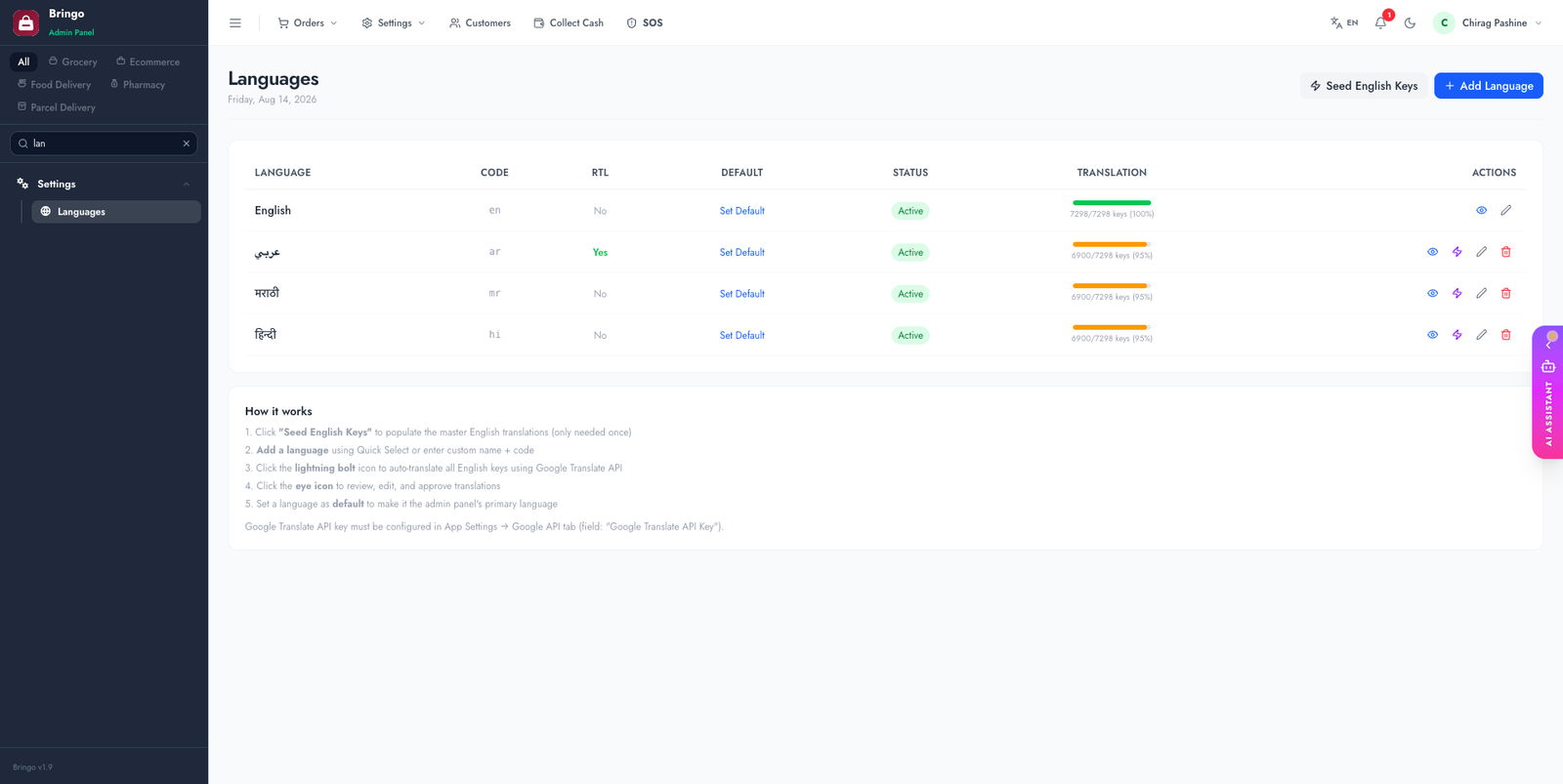
The admin panel and storefront are fully translatable. Manage languages and edit every string in Admin → Languages.
Add a language
- Admin → Languages → Add.
- Enter a name, locale code (e.g.
es,ar,hi) and direction. - Enable RTL for right-to-left languages (Arabic, Hebrew, Urdu).
- Set a default language for new visitors.
Edit translations
Admin → Languages → Translations shows every translatable key. You can:
- Search and edit individual strings.
- Auto-translate a whole language with AI (requires the AI Assistant configured).
- Import/seed keys and bulk-approve.
🌍
The apps fetch their interface strings from the active language too. (The Delivery app also bundles English & Hindi locally — see Delivery App → Rebranding.)
↔️
If you enable an RTL language, test the storefront layout in that language before launch — long translations and RTL can shift some elements.
👉
Next: Branding & Homepage.