Store Setup
Branding & Homepage
Make the platform yours: set your logo and colours, then build the storefront homepage — all without touching code.
Logo, favicon & identity
Admin → Settings → Store:
📱
Your logo, name and support details are sent to the apps via their settings endpoint — update once here and the apps reflect it.
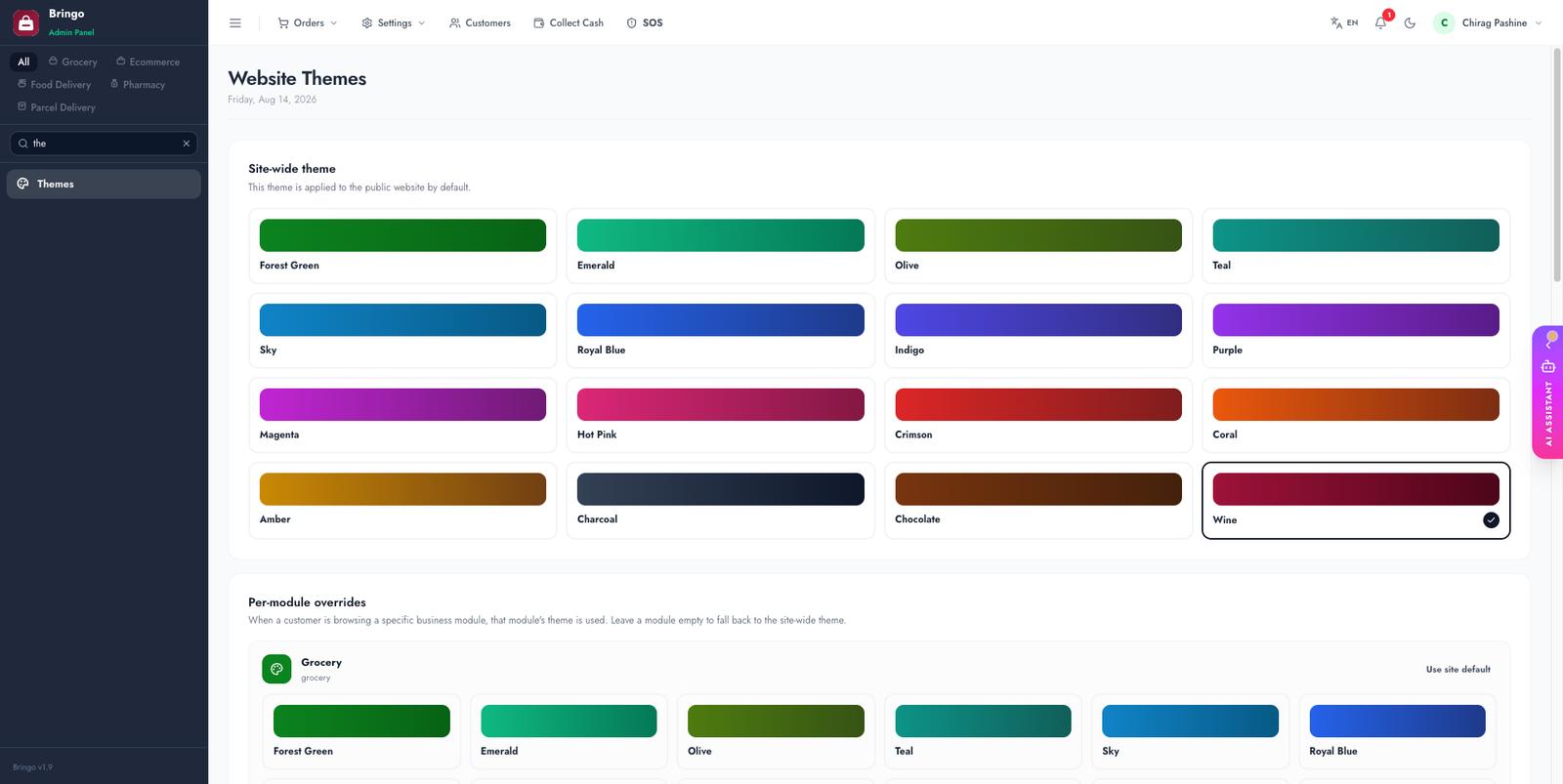
Theme colours
Admin → Themes lets you pick a colour theme for the storefront, and override the accent per module. The same theme presets drive the app's colours.
Build the homepage
The storefront homepage is built from re-orderable blocks:
👉
Next: Email Templates.