Store Setup
Business Modules
Bringo can run several business types at once. Each is a module you turn on or off in Admin → Modules.
Available modules
Manage modules
- Admin → Modules.
- Toggle the modules you want active. Disabled ones disappear from the storefront and apps.
- Reorder them (drag) to set how they appear to customers.
- Set a colour per module for its theming accent.
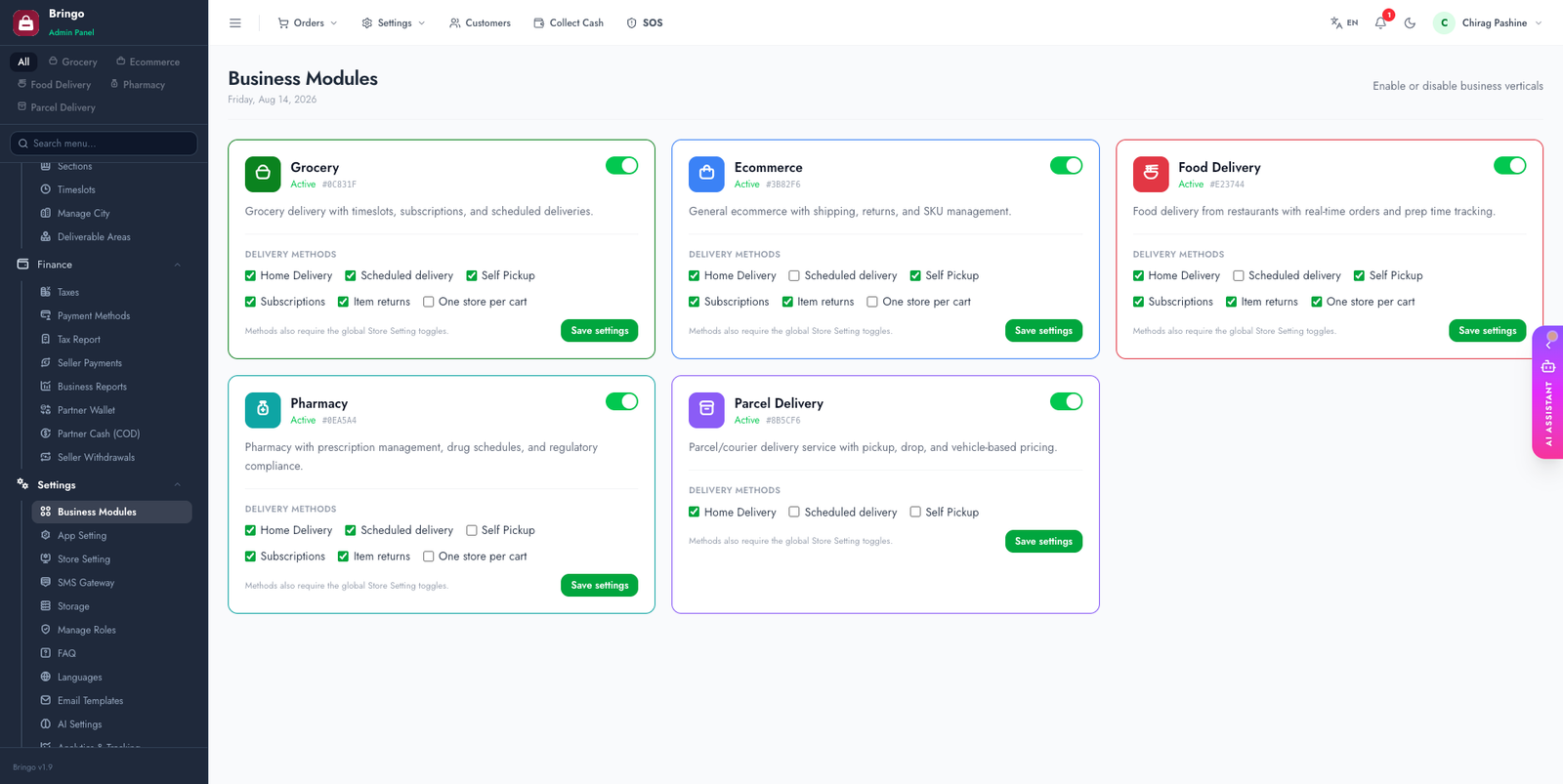
Per-module settings
📱
The Customer app reads enabled modules at startup, so toggling a module here updates the apps with no rebuild. Each module's theme colour also flows through to the app.
👉
Next: Currency & Tax.