Store Setup
Currency & Tax
Set your currency and country in store settings, then define tax rates. Both flow through to the storefront and the apps.
Currency & country
Admin → Settings → Store:
$, ₹, €.$10) or after (10€) the amount.Taxes
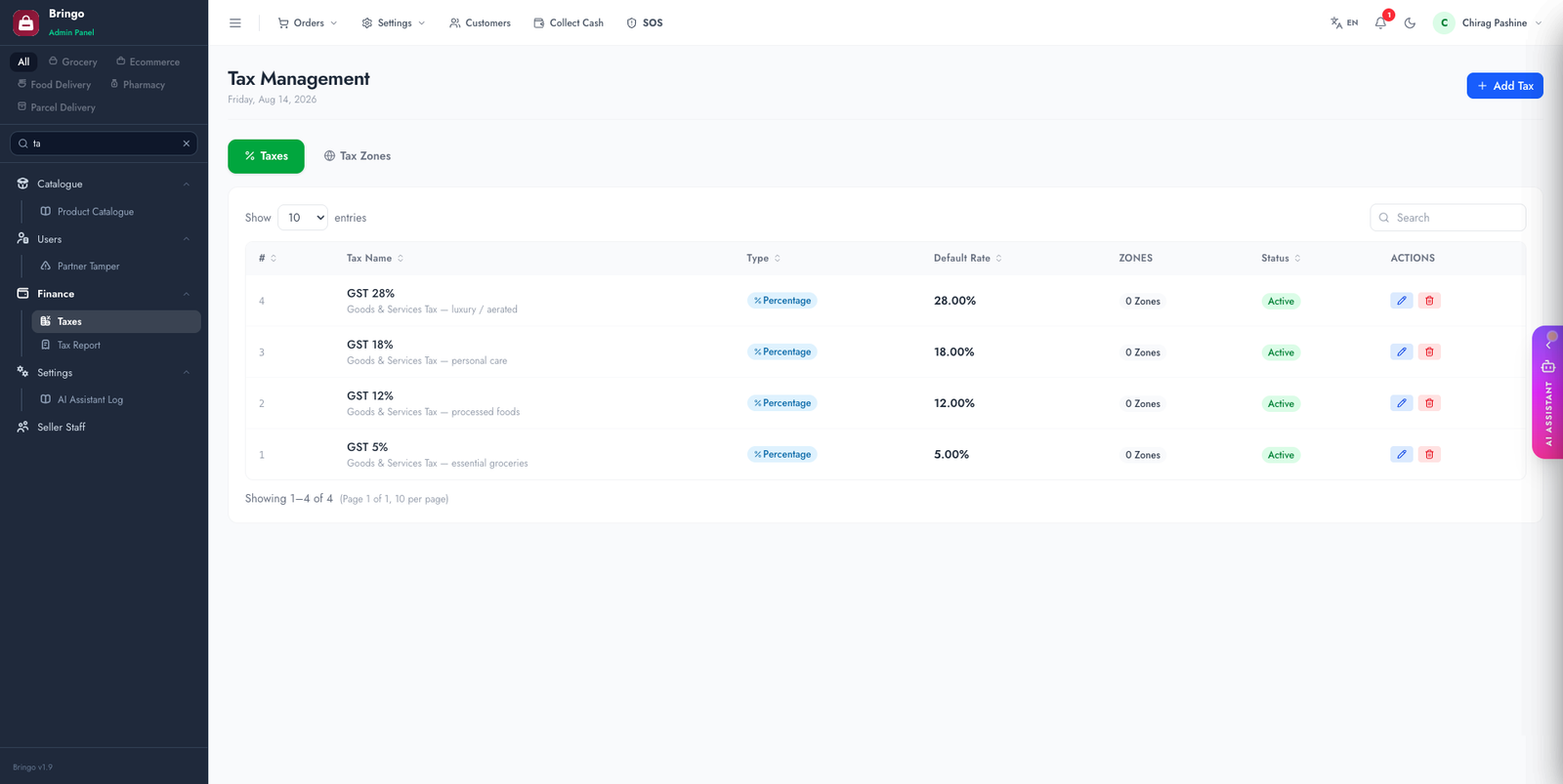
Admin → Taxes lets you create tax rates and apply them to products, delivery and additional charges.
- Add a tax with a name and percentage (e.g. "VAT 20%").
- Multi-component taxes are supported — e.g. Indian GST split into CGST + SGST.
- Tax zones let you charge different rates by region.
- Assign taxes to products and to delivery/additional charges as needed.
Tax reports
Admin → Tax Report summarises collected tax and can export to CSV for accounting/GST filing.
🧮
Decide up front whether your prices are tax-inclusive or tax-exclusive and configure consistently — mixing the two leads to incorrect totals.
👉
Next: Languages & Translations.